Barcode Scanners for Self-Service Kiosks
Make barcode entry a natural part of the self-service experience. Integrate a reader that accommodates the code, the user and the available space behind the kiosk panel.
Read the guide →
ENGINEERING GUIDE
Use a structured sample evaluation to reduce surprises between prototype and production. Bring optical, electrical, mechanical and software checks into one project record.
Prepare barcode examples, target distances, enclosure dimensions and host requirements. Identify which conditions are mandatory and which can be adjusted. Record any required certifications or environmental limits so they can be reviewed for the chosen product.
Confirm the model and configured interface, cable, connector and supply requirements. Keep the wiring diagram and firmware settings with the sample. Resolve uncertainties before connecting power; similar-looking connectors do not establish equivalent pinouts.
Begin with basic reading, then install the scanner in the intended position and repeat the test. Include the actual window, mounting depth and lighting. Check connector access and cable strain as part of the same assessment.
Confirm how the software receives and validates data. Test invalid codes, repeated scans, loss of connection and power cycling. For wireless products, include pairing, charging and recovery behavior. Record failures as reproducible conditions rather than isolated impressions.
Before a volume order, confirm the model, accessories, firmware settings, labeling and any customization. Agree the sample acceptance result and the required configuration with your supplier. This creates a clear reference when ordering replacement units or introducing changes.
BUILD YOUR PROJECT BRIEF
No. A useful evaluation includes the difficult samples, working-range limits and recovery scenarios that can occur during normal use.
Provide the model, connection, settings, barcode sample, distance, lighting and a clear description of the host behavior.
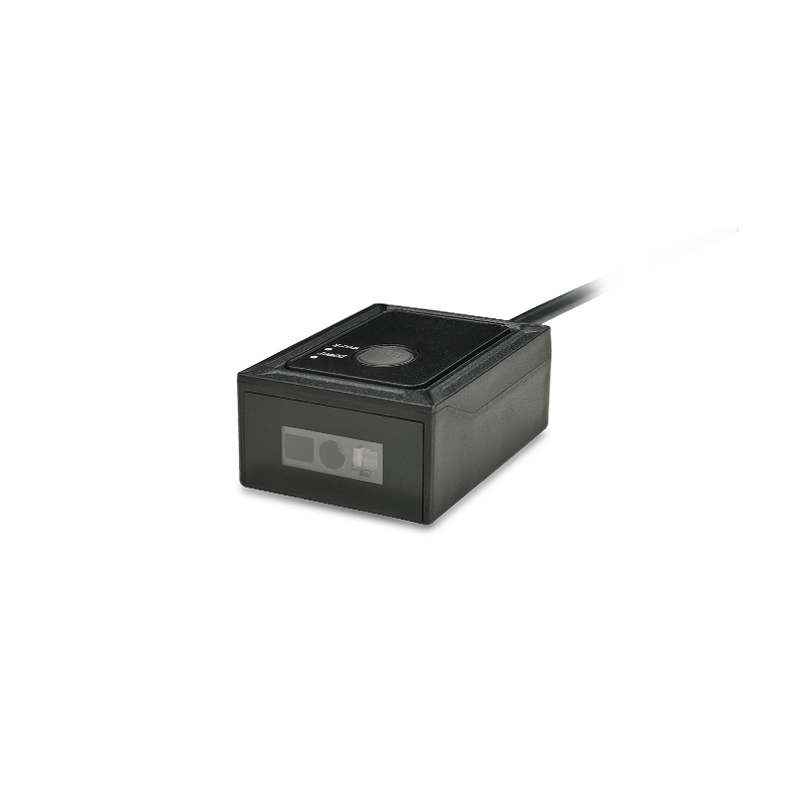
EXPLORE YOUR HARDWARE OPTIONS
Compare model specifications and share your application requirements to confirm the right configuration.
Explore this range ↗APPLICATION SOLUTIONS
Make barcode entry a natural part of the self-service experience. Integrate a reader that accommodates the code, the user and the available space behind the kiosk panel.
Read the guide →Match barcode capture to receiving, picking, packing and dispatch. Choose hardware around the operator’s movements, label position and host workflow.
Read the guide →Integrate barcode credentials and collection codes into lockers, gates and entry terminals. Design the reader position and controller connection around a clear user interaction.
Read the guide →FROM CONCEPT TO PRODUCTION
Tell us what you need to read, where it needs to fit, and how it connects.