Barcode Scanners for Self-Service Kiosks
Make barcode entry a natural part of the self-service experience. Integrate a reader that accommodates the code, the user and the available space behind the kiosk panel.
Read the guide →
ENGINEERING GUIDE
An interface choice affects wiring, software and integration effort. Compare the host’s electrical requirements and expected data flow before selecting a scanner configuration.
USB describes the connection, but the host may see different device modes. Keyboard-style input sends decoded text to the active field, while a virtual serial mode may require the application to open a port. Availability and setup are model-dependent. Check operating-system support, permissions and reconnect behavior on the final host.
UART is commonly used in embedded systems, but matching transmit and receive pins is not sufficient. Confirm supply voltage, logic levels, ground, connector pinout and communication settings. Never assume a UART signal is electrically interchangeable with RS-232; an appropriate interface circuit may be required.
RS-232 links require compatible electrical signaling and connector wiring. Confirm baud rate and framing settings supported by both devices. The host application should handle message boundaries, prefixes or suffixes and recovery after a disconnect. Cable and connector options should be agreed for the exact configuration.
If your equipment uses RS-485, Wiegand or another connection, specify both the electrical interface and the required data protocol. An interface label does not guarantee that two devices understand each other’s messages. Ask for configuration-specific confirmation before ordering.
First identify the host connector and voltage requirements. Then select a supported scanner configuration, validate wiring against the pinout and test decoded data in a basic receiver. Finally test the production application, restart behavior and all required barcode formats. Retain the confirmed settings with the project specification.
BUILD YOUR PROJECT BRIEF
A passive cable alone does not provide electrical level conversion. Confirm whether an active interface circuit is needed and whether it is included in the selected configuration.
Behavior depends on the supported USB mode and the host. Confirm the operating system, driver requirements and application input method.
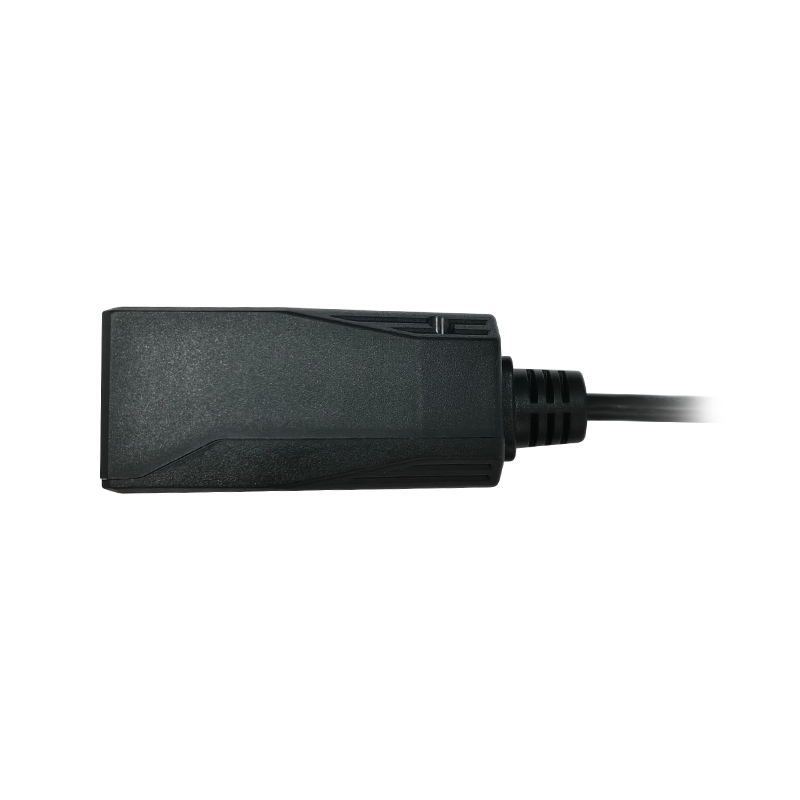
EXPLORE YOUR HARDWARE OPTIONS
Compare model specifications and share your application requirements to confirm the right configuration.
Explore this range ↗APPLICATION SOLUTIONS
Make barcode entry a natural part of the self-service experience. Integrate a reader that accommodates the code, the user and the available space behind the kiosk panel.
Read the guide →Match barcode capture to receiving, picking, packing and dispatch. Choose hardware around the operator’s movements, label position and host workflow.
Read the guide →Integrate barcode credentials and collection codes into lockers, gates and entry terminals. Design the reader position and controller connection around a clear user interaction.
Read the guide →FROM CONCEPT TO PRODUCTION
Tell us what you need to read, where it needs to fit, and how it connects.