By CodeScanTech ·
Choosing a wireless barcode scanner is partly a radio decision, but it is also a host-connection and operating-process decision. Ask how the scanner will connect, who will use it and what happens when the connection is interrupted. Those answers are more useful than choosing solely from an advertised range.
First, clarify what “2.4G” means
Bluetooth itself operates in the 2.4 GHz band. In scanner product descriptions, “2.4G” commonly refers to a separate receiver-based wireless mode, rather than Bluetooth. The label alone does not identify its protocol, receiver compatibility or host input mode. Confirm those details for the exact product.
The Bluetooth SIG explanation of range describes why effective range depends on the radio implementation and surroundings. It should not be interpreted as a range guarantee for a particular CodeScanTech model.
Start with the host device
A Bluetooth connection may be useful for a compatible phone, tablet or computer without installing a dedicated USB receiver. However, the presence of Bluetooth on both devices does not prove that their supported profiles and data modes match. Confirm the operating system, application and scanner mode together.
A receiver-based arrangement can be convenient at a fixed workstation with a suitable port. Check what the receiver presents to the host: keyboard-style input, a serial interface or another supported mode. Also confirm whether replacement receivers can be paired and whether the receiver is included with the requested configuration.
Plan pairing and shared-station behavior
For one scanner used with one host, setup may be straightforward. Shared equipment needs more planning. Define how an operator knows which station will receive the next scan and how devices are reassigned at shift change. Labeling equipment and documenting the pairing procedure can prevent avoidable confusion.
Test with several active stations, not only one scanner on an otherwise empty desk. Confirm that data reaches the intended host after a restart, a charging cycle or a user change. Do not assume multi-host switching is supported unless the model documentation explicitly provides it.
Check what happens outside coverage
Walk the normal route, including locations behind racks and equipment. Record where input stops and how the scanner indicates the interruption. Then check reconnection and whether the next scan arrives correctly. If offline storage is required, ask whether it is supported and how stored records are uploaded; wireless capability alone does not imply data buffering.
Also test duplicate handling. A user may repeat a scan after receiving unclear feedback, while the host may already have accepted the original record. The application needs a deliberate response to this situation.
A practical comparison checklist
- Target host, operating system and supported input mode.
- Receiver availability, pairing process and replacement procedure.
- Coverage along the actual operator route.
- Feedback during disconnection and behavior after reconnection.
- Charging arrangements and expected usage pattern.
- Any required offline storage or host-switching function.
Common wireless questions
Is 2.4G always faster or more reliable than Bluetooth?
No universal conclusion follows from those names. Compare the actual devices, host setup and working environment under the same test conditions.
Can I compare both modes on one model?
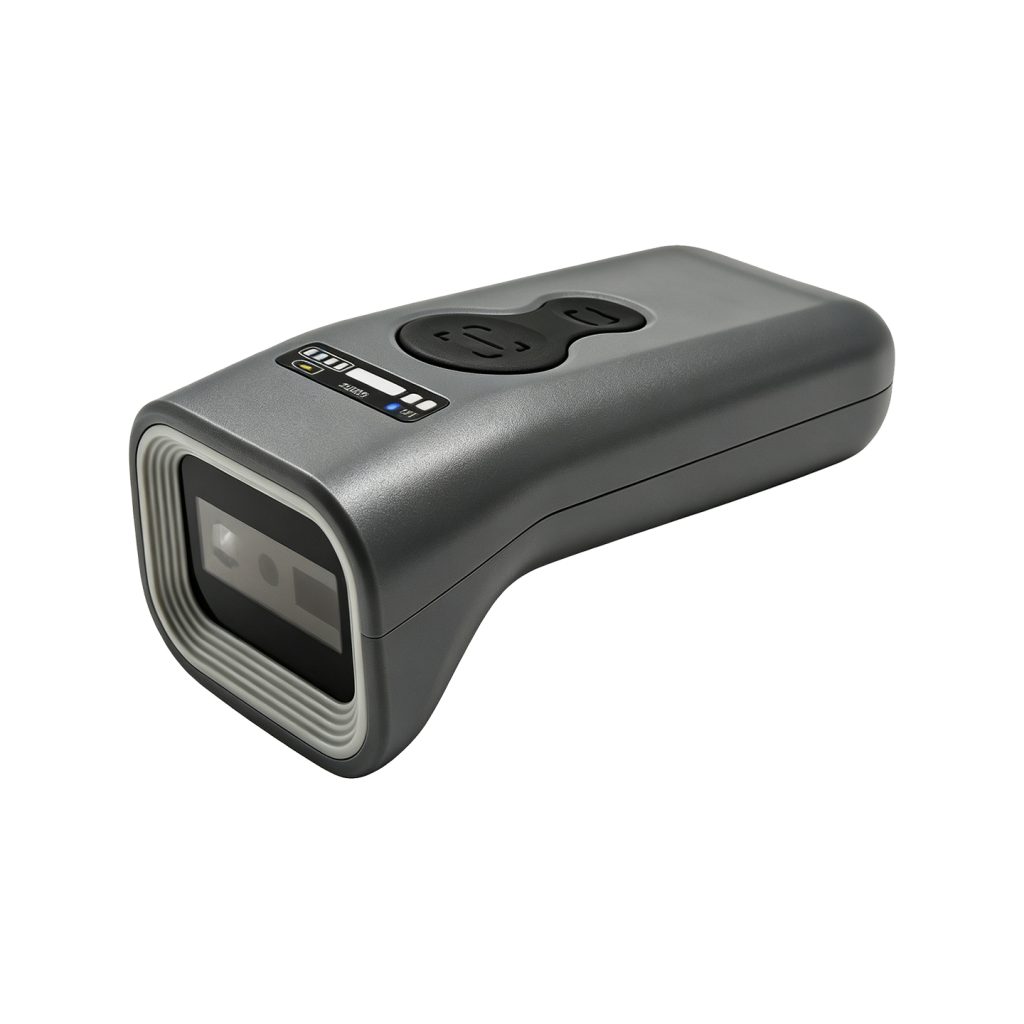
Some products offer multiple connection options. Review the HC-1800 specifications or the portable scanner range, then confirm the intended configuration before ordering samples.