By CodeScanTech ·
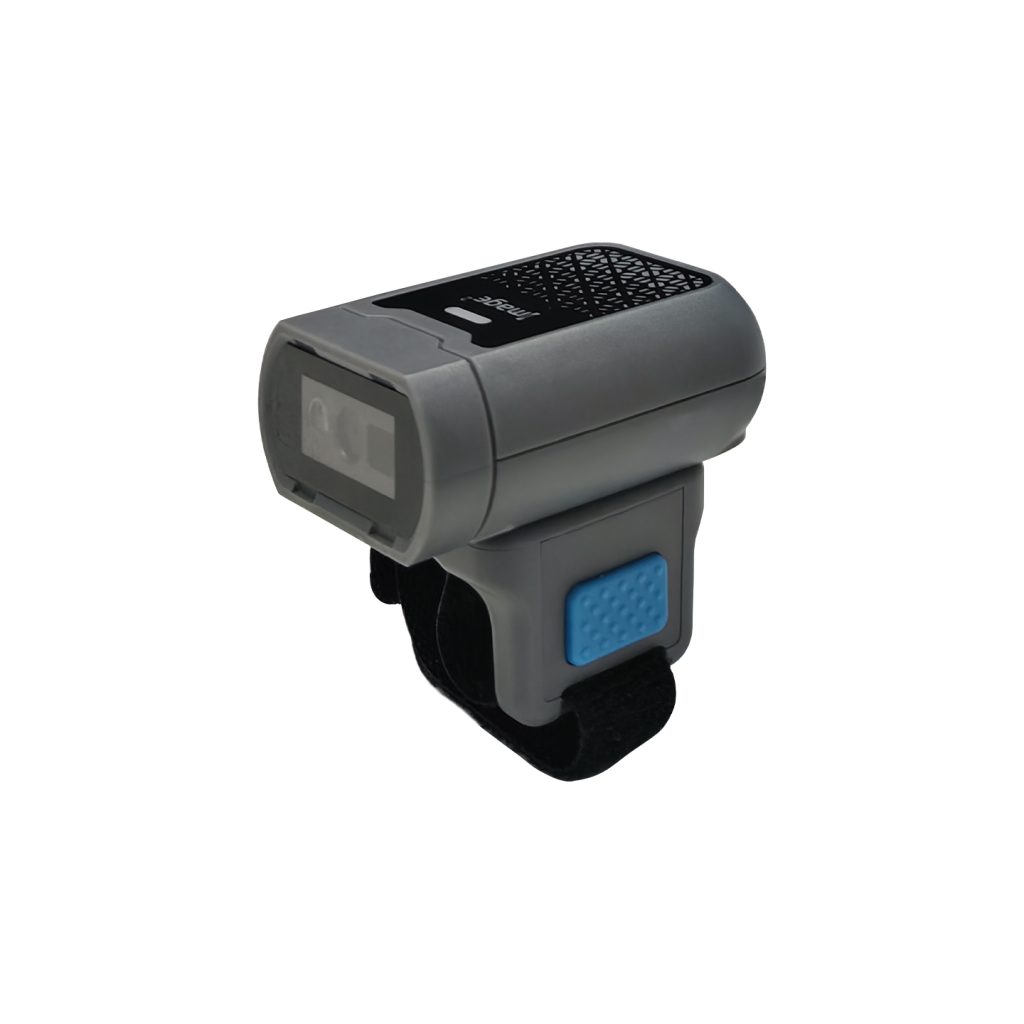
A ring scanner can bring barcode capture closer to the operator’s hand, but the business case depends on the complete picking task. Removing a reach for a handheld device is useful only if scanning remains comfortable, data enters the correct system and the reader does not interfere with handling goods.
Measure the current workflow first
Observe a representative picking sequence: locate the item, identify the correct label, scan, confirm the response and move the goods. Record where the operator puts down a handheld device or pauses to check the host. Separate delays caused by walking, label placement and software from those related to the scanner.
This baseline gives the pilot a fair comparison. Do not claim a percentage improvement before testing, and do not compare a trained operator on one device with a first-time user on another. Allow familiarization and use similar tasks and label conditions.
Check fit while handling real items
Include operators with different hand sizes and the protective equipment normally used in the area. Ask them to grip cartons, reach for small items and operate any required controls. Check whether the device shifts, presses against the hand or catches on packaging.
Evaluate trigger access and preferred hand. The W-320 ring scanner has model-specific features to review during selection; the W-330 glove scanner provides another wearable format. Product descriptions are a shortlist aid, not a substitute for operator evaluation.
Use labels from the actual route
Test shelf labels, item labels and package labels at their normal positions. Include awkward angles and typical print wear. A wearable reader may change the way an operator aims, so observe hand movement as well as decoding. If a user must repeatedly twist the wrist to reach a label, reconsider the label position or device format.
Some tasks may still suit a handheld reader. A mixed deployment can be more appropriate than requiring every station to use the same wearable device.
Verify input and reconnection
Pair the scanner with the actual mobile terminal, tablet or workstation. Confirm that scanned data goes to the correct field and includes the expected formatting. Test screen changes, application focus, sleep and restart behavior.
Walk the picking route and check reconnection after an interruption. If several operators work nearby, verify station assignment and feedback. See the warehouse application guide for broader deployment considerations.
Include charging and handover
Battery capacity is not a promise of runtime. Scan frequency, connection behavior and operating conditions affect endurance. Test a representative work period and document how devices are charged, stored and assigned between users. Confirm supported charging accessories for the configuration being evaluated.
Agree on device handling and cleaning procedures that suit the product instructions and workplace. Do not infer chemical resistance or a cleaning method from an enclosure’s appearance.
Make the pilot decision with evidence
- Compare completed tasks, read failures and duplicate input.
- Record operator comfort and any interference with handling.
- Document connection interruptions and recovery steps.
- Check charging and shift-handover practicality.
- List tasks where a handheld or fixed reader remains more suitable.
Common pilot questions
Should a ring scanner replace every handheld?
Not necessarily. Evaluate the tasks that involve repeated scanning and handling first.
Can CodeScanTech help prepare a trial?
Share the host, label samples, workflow and expected quantity through our project inquiry form. The sample checklist can help organize the technical checks.