By CodeScanTech ·
A successful scan of one phone does not establish reliable screen-code reading across a customer-facing installation. Displays, code sizes, protective surfaces and user behavior vary. A useful evaluation reproduces that variation without turning the test into a search for one perfect presentation angle.
Check the displayed code before the hardware
Confirm that the application displays a complete, valid QR code with clear space around it. Avoid clipping, overlays and layouts that shrink the code unexpectedly. If the content changes, retain examples of the versions actually used by customers rather than testing an unrelated demonstration code.
Where your team controls the app or web page, record the code’s displayed size on different screen sizes. Browser zoom, accessibility settings and responsive layouts can change its presentation. A larger phone does not necessarily display a larger code.
Vary brightness and reflections separately
Test several practical screen-brightness settings under the lighting expected at the installation. Then change the presentation angle to identify reflections. Separating those variables helps reveal whether difficulty comes from the displayed image, glare or geometry.
Include normal screen protectors and devices with typical wear in the test set. Do not assume that turning brightness to maximum solves every issue. A bright display can still have a strong reflection or be held outside the reader’s effective field of view.
Make the reading position understandable
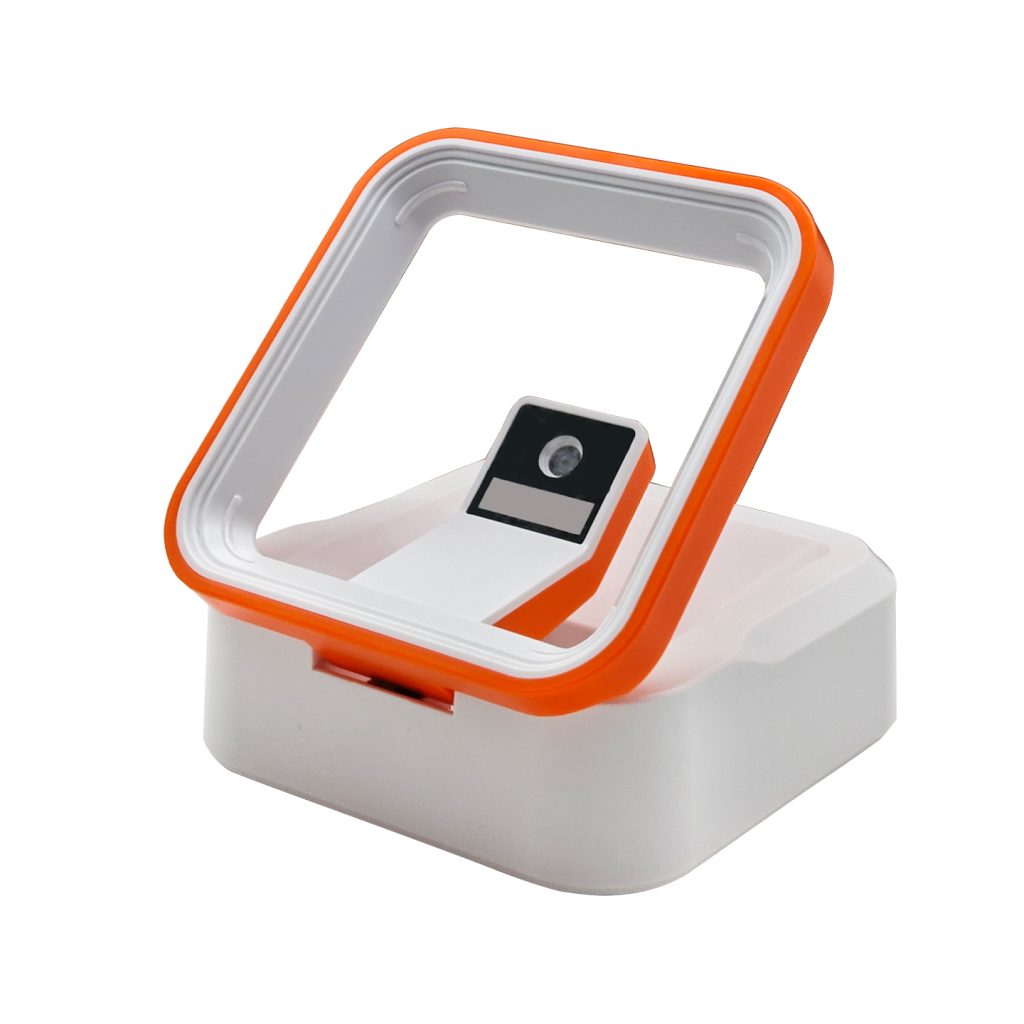
At a kiosk, the user should know where to present the phone and when to stop moving it. At a counter, a desktop reader should leave enough space for different device sizes. A small, deeply recessed opening may encourage users to search for a position by repeatedly tilting the phone.
Evaluate the final mounting arrangement, including any protective window. The kiosk integration guidance explains the surrounding layout questions; the reading-distance guide helps structure distance testing.
Create a small, repeatable test matrix
| Variable | What to record |
|---|---|
| Code | Format, displayed dimensions and representative content. |
| Display | Device, brightness setting and protector condition. |
| Installation | Distance, angle, front window and lighting. |
| Outcome | Read success, repeated attempts and host response. |
Change one variable at a time during diagnosis, then repeat realistic combinations for acceptance testing. Keep the reader configuration consistent and record any setting changes. A repeatable test is more useful than an unqualified claim that a scanner “reads screens.”
Test the transaction after decoding
A reader extracts code data; the host application decides what it means. Payment, ticketing and access systems must validate the data using their own workflow. Check what happens to invalid, expired or repeated codes and how the user receives feedback. A scanner beep should not be presented as proof that a payment succeeded.
Common screen-reading questions
Will every barcode scanner read a phone display?
Do not assume it. Confirm screen-reading suitability for the exact model and code format, then test the intended devices and installation.
Which products should I compare for a counter?
Start with the desktop scanner range and review a model such as T680. Use its specifications to plan an evaluation rather than treating the category name as a performance guarantee.