
PRODUCT RANGE
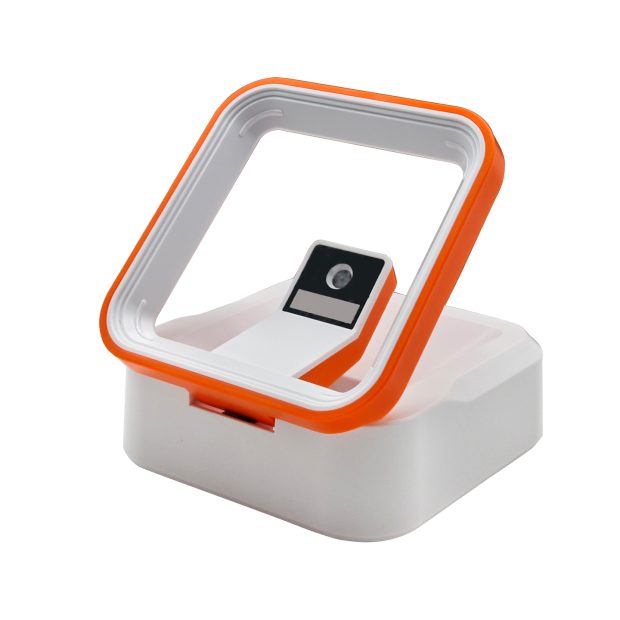
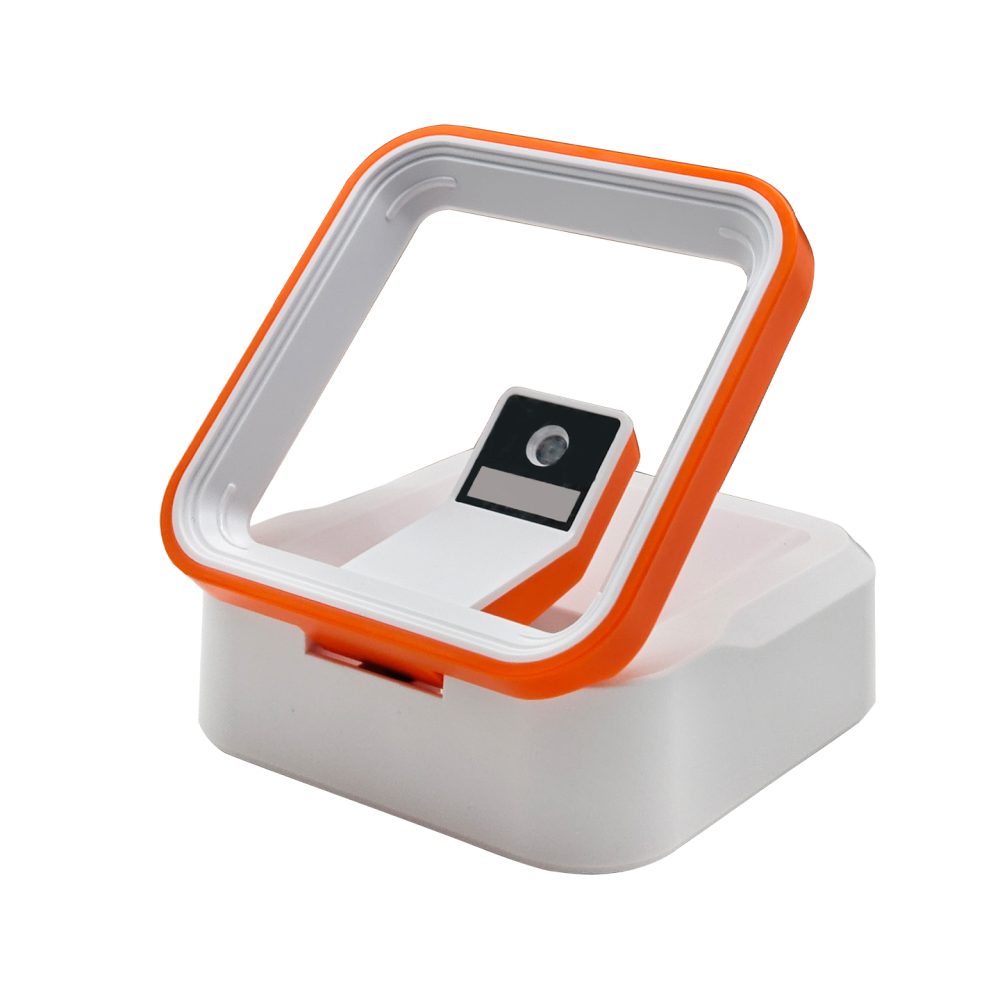
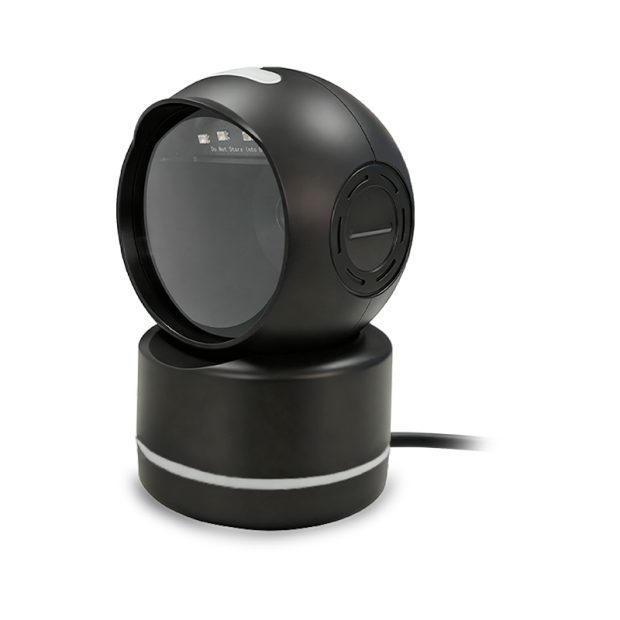
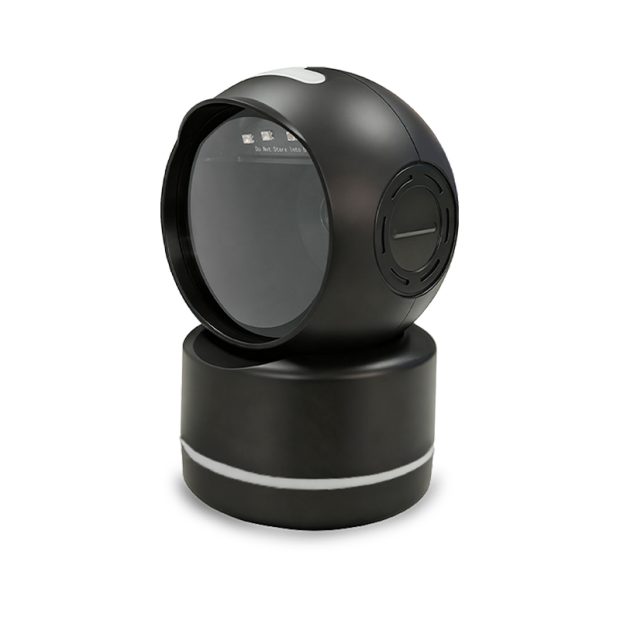
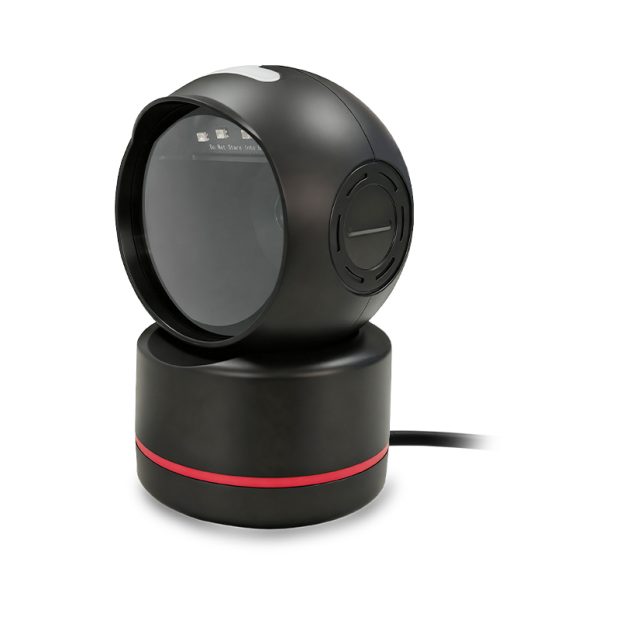
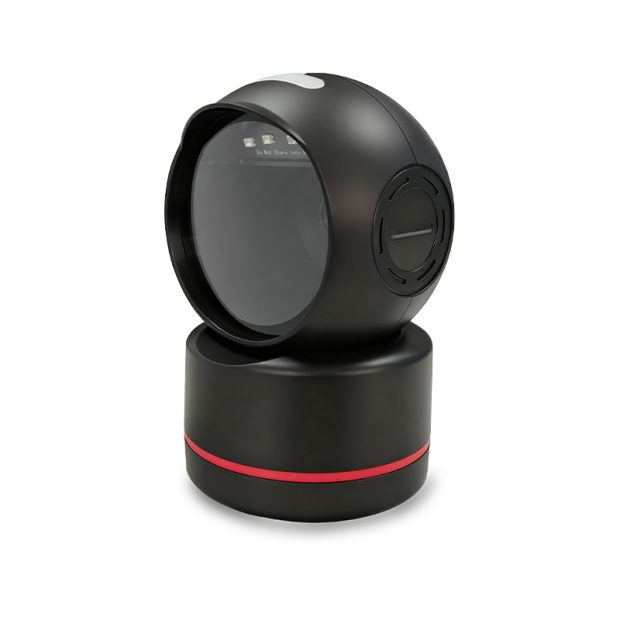
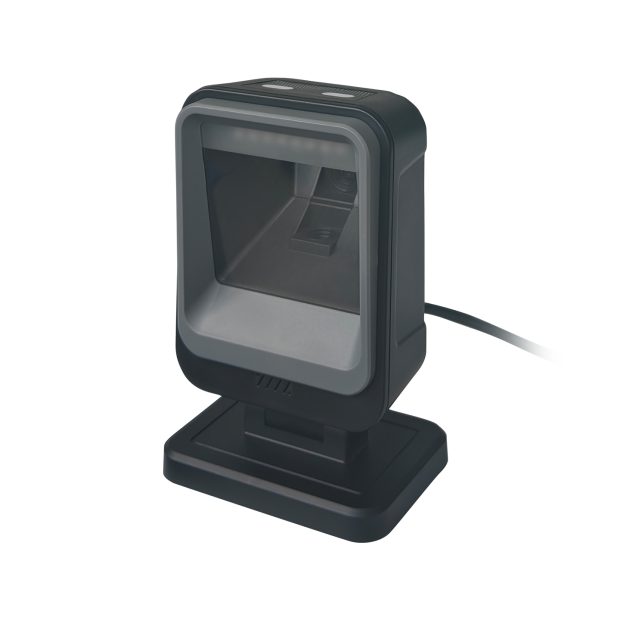
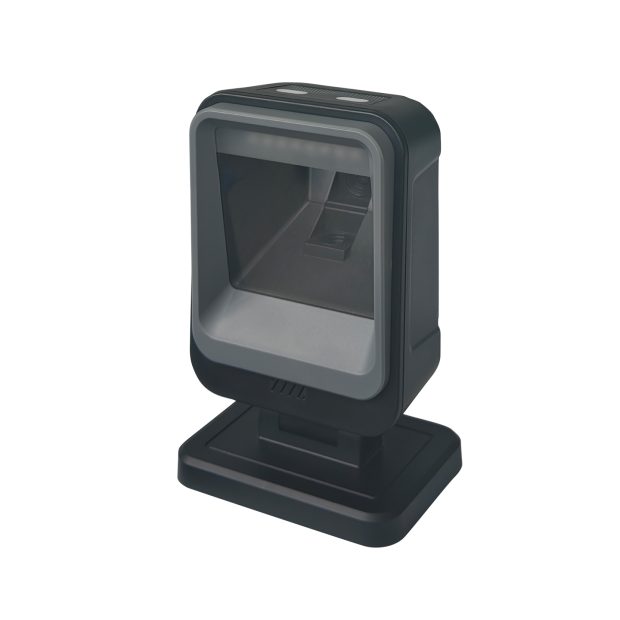
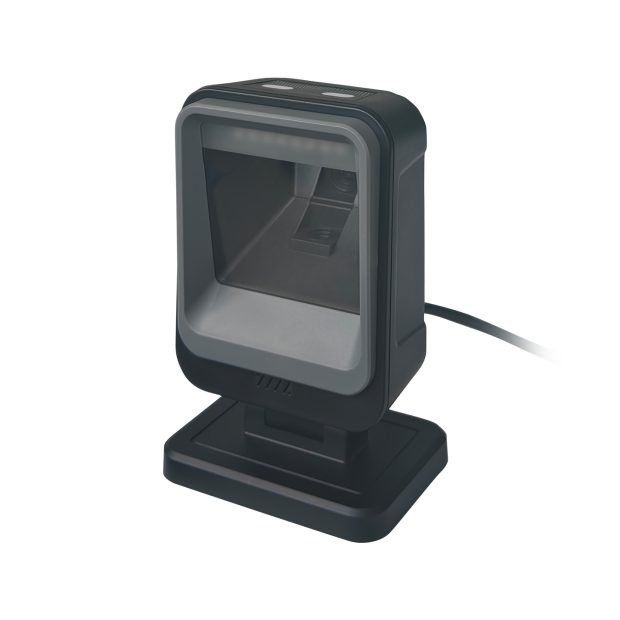
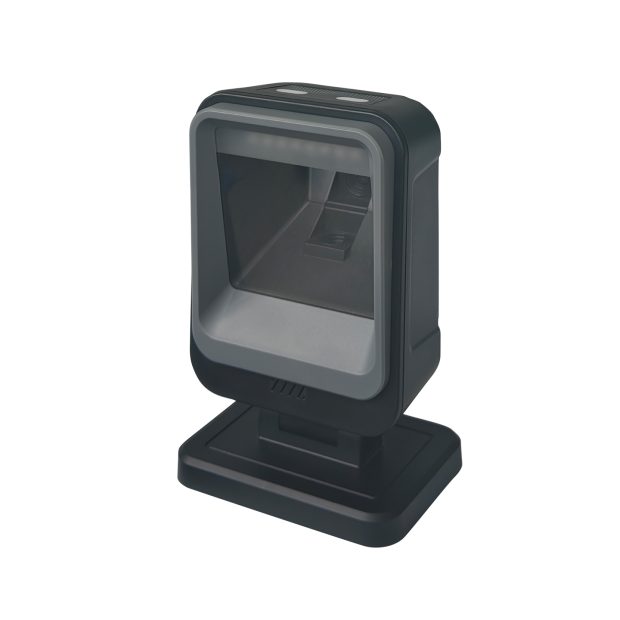
Read labels and supported screen codes at counters and service desks. Desktop scanners create a presentation area so users can bring the barcode to the reader during checkout, ticketing or reception workflows.
Presentation scanning suits a predictable counter position and repeated transactions. Compare the reading area with the items customers or staff will present: a small label, a phone display and a large package require different handling and viewing angles.
COMPARE THE RANGE
SELECTION CONSIDERATIONS
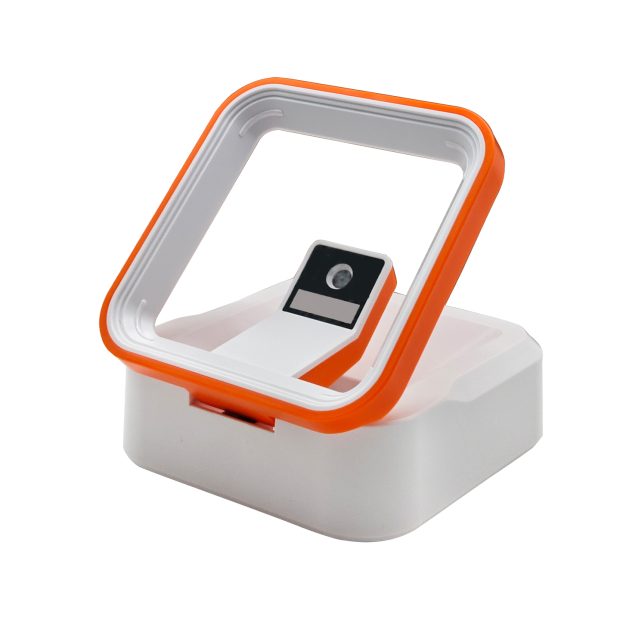
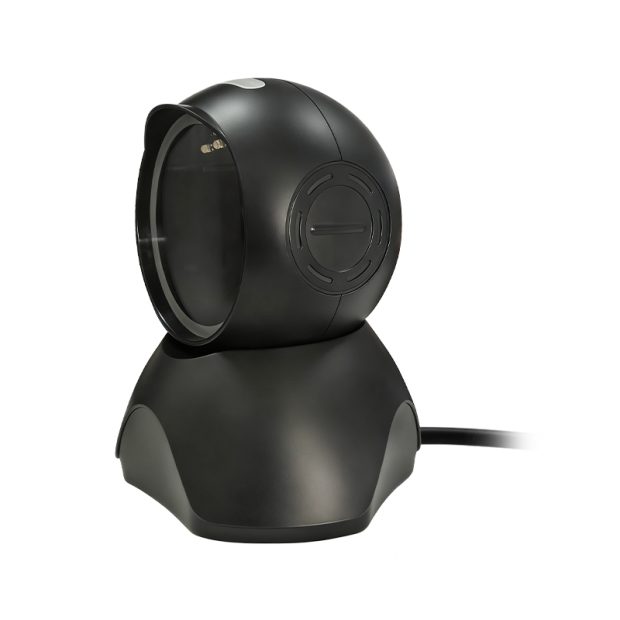
Test codes across the useful reading area rather than at one ideal position. Check item size, screen angle and the clearance available above and in front of the scanner.
Evaluate actual barcode apps, phone brightness settings and printed labels. Glare and low contrast can affect reading, so include the counter’s normal lighting.
Check USB or other supported connections, cable management and output formatting. Confirm that decoded data reaches the intended field in your POS or service software.
Screen-reading capability is model-dependent. For payment or ticketing projects, select a model with suitable support and test the actual code format, display brightness and presentation angle.
Explore application requirements →Sample evaluation checklist →
FROM CONCEPT TO PRODUCTION
Tell us what you need to read, where it needs to fit, and how it connects.