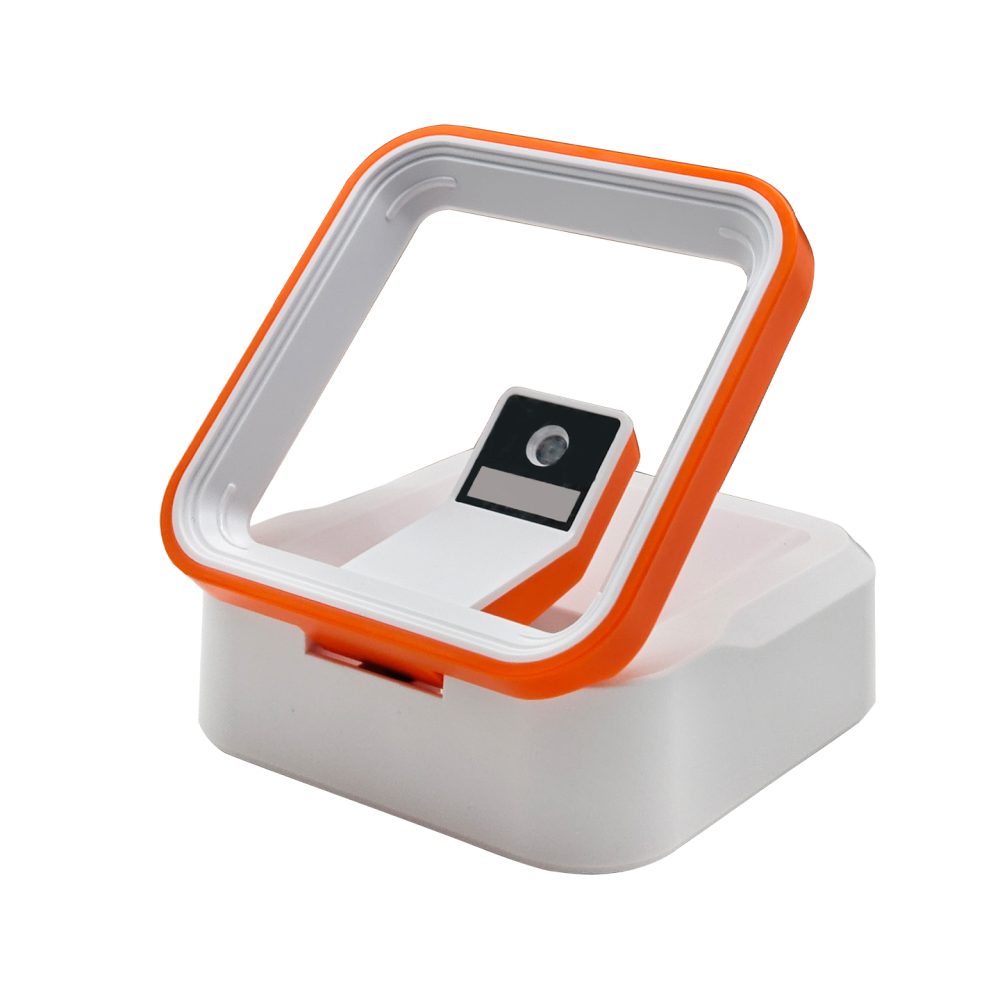
Support product identification and supported mobile codes at checkout. Compare desktop and handheld scanning around counter space, item handling and POS input.
Barcode Scanners for Retail Checkout & Payment — integration layout.
Choose presentation or handheld scanning
Desktop readers create a consistent scanning position for repeated transactions. Handheld readers give operators flexibility when labels face away or items are difficult to move. Consider the largest and smallest items, the position of the POS display and how staff place the scanner between transactions.
Test product labels and phone displays
Use the actual 1D and 2D formats required by your store or application. Assess small labels, curved surfaces and common print quality variations. For phone codes, include low brightness and glare from counter lighting. Screen-reading suitability must be checked for the selected model.
Match output to the POS software
Keyboard-style input can be convenient, while some applications need a serial stream or SDK integration. Confirm supported modes and test prefix, suffix and focus behavior. The full transaction should be tested so the code enters the correct field and does not produce duplicate items.
Plan installation and daily use
Check cable length, connector access and available power. Keep the reading area visible and prevent cables from entering the operator’s work path. Establish handling and cleaning practices suitable for the exact device and environment.
BUILD YOUR PROJECT BRIEF
What to confirm before selection
Product and payment code formats
Item sizes and presentation direction
POS connection and data formatting
Counter lighting and screen brightness
Cable routing and operator reach
Can the same scanner read product and payment codes?
A suitable 2D imager may support both, but confirm the exact symbologies and screen-reading performance. Your POS or payment application still handles the transaction.
Which model is best for a small counter?
Provide the available footprint, reading area and host connection so a compact option can be recommended.
EXPLORE YOUR HARDWARE OPTIONS
Desktop & Presentation Barcode Scanners for Checkout
Compare model specifications and share your application requirements to confirm the right configuration.
An interface choice affects wiring, software and integration effort. Compare the host’s electrical requirements and expected data flow before selecting a scanner configuration.
Reading distance is a relationship between the barcode, optics and environment. Evaluate the working range using the labels and installation that matter to your project.
Use a structured sample evaluation to reduce surprises between prototype and production. Bring optical, electrical, mechanical and software checks into one project record.