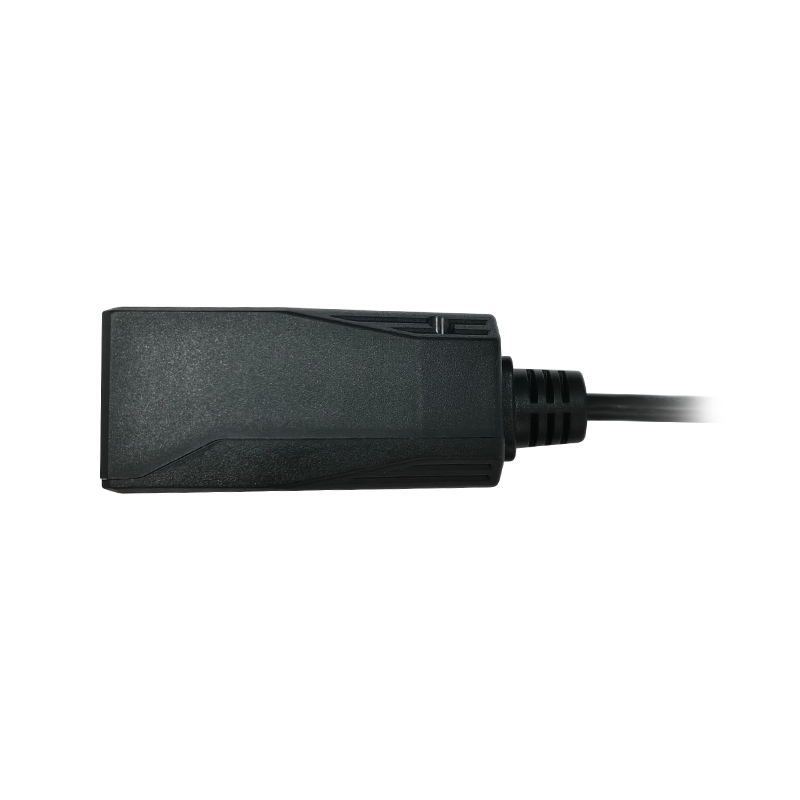
Make barcode entry a natural part of the self-service experience. Integrate a reader that accommodates the code, the user and the available space behind the kiosk panel.
Barcode Scanners for Self-Service Kiosks — integration layout.
Design the reading area around the user
A kiosk user may present a phone, ticket or printed label without guidance from an operator. Define a clear target area and test different presentation angles, code sizes and distances. Consider whether the screen and scanner should be visible at the same time and whether users can comfortably reach the reading position.
Account for the enclosure window
The finished enclosure is part of the optical system. Window material, surface reflections, thickness and scanner setback can influence the reading path. Keep the optical aperture clear and evaluate samples behind the intended window before finalizing the mechanical design. A successful open-bench test is only the first stage.
Connect scanning to the kiosk application
Choose a supported host interface and define how scanning is triggered. The application should handle a successful decode, a repeated code and a failed transaction separately. A reader’s ability to decode a payment code does not by itself implement payment processing; transaction handling belongs in the host application.
Evaluate with real transactions
Use actual ticket or payment code examples, different phone brightness levels and the site’s expected lighting. Include damaged or low-contrast print where relevant. Confirm cable routing, supply requirements, recovery after a restart and the final data format passed to the application.
BUILD YOUR PROJECT BRIEF
What to confirm before selection
Code formats and smallest barcode dimensions
Phone displays versus printed media
Panel aperture and scanner setback
Host interface, supply and connector
Trigger behavior and repeated-read handling
Can I mount a scanner behind a kiosk panel?
Yes, with a suitable optical opening and mounting design. Check the model dimensions and evaluate reading performance through the final window.
What should I send for a recommendation?
Share a panel drawing or dimensions, sample codes, target reading distance, host interface and expected lighting.
EXPLORE YOUR HARDWARE OPTIONS
Fixed-Mount Barcode Scanners for OEM Integration
Compare model specifications and share your application requirements to confirm the right configuration.
An interface choice affects wiring, software and integration effort. Compare the host’s electrical requirements and expected data flow before selecting a scanner configuration.
Reading distance is a relationship between the barcode, optics and environment. Evaluate the working range using the labels and installation that matter to your project.
Use a structured sample evaluation to reduce surprises between prototype and production. Bring optical, electrical, mechanical and software checks into one project record.