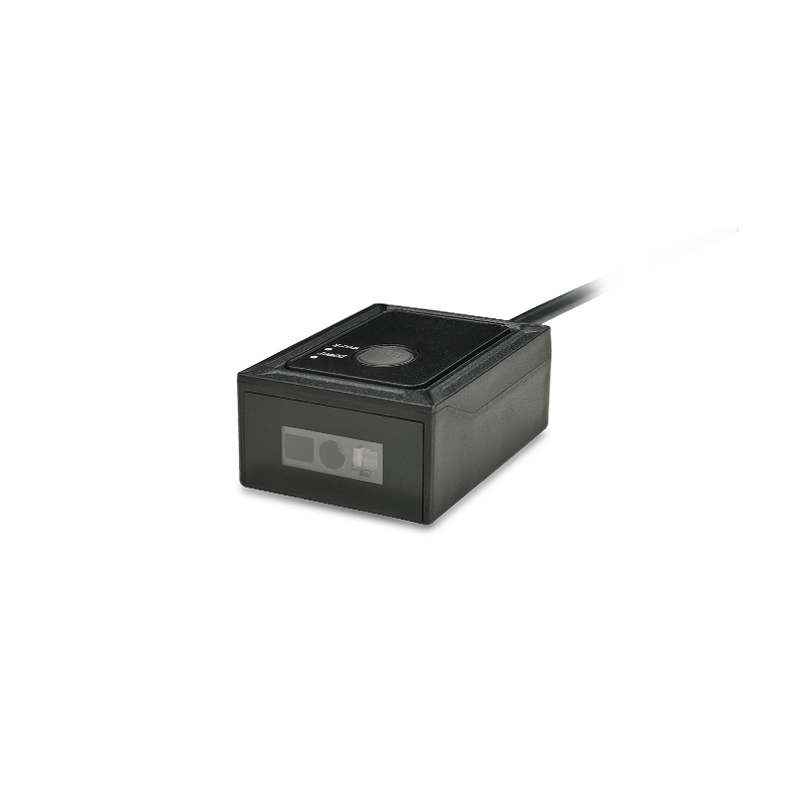
QR Code Scanners for Smart Lockers & Access Control
Integrate barcode credentials and collection codes into lockers, gates and entry terminals. Design the reader position and controller connection around a clear user interaction.
QR Code Scanners for Smart Lockers & Access Control — integration layout.
Keep credential presentation simple
Users need to know where to place a phone or printed code. Provide a visible target and enough clearance to present different screen sizes. Check the viewing angle from standing and seated positions where relevant. Avoid placing the reading area where the enclosure blocks the approach.
Verify the controller interface
Access controllers and embedded hosts can have different electrical and data requirements. Confirm the available interface for the exact scanner model, connector pinout and supply voltage. If Wiegand or another controller-oriented interface is required, request confirmation for the intended configuration.
Separate reading from authorization
The scanner captures the code; the host determines whether it is valid and what action to take. Define how the system handles expired credentials, repeated presentation and unavailable network services. Reading a QR code should not be treated as proof that the credential is authorized.
Evaluate the installed environment
Lighting, panel finish, mounting depth and exposed surfaces affect deployment. For installations outside controlled indoor conditions, confirm sealing, temperature and ambient-light requirements explicitly. Do not assume a scanner module’s specification makes the complete terminal weatherproof.
BUILD YOUR PROJECT BRIEF
What to confirm before selection
Phone and printed credential samples
Controller protocol and electrical requirements
Reading-window position and depth
Lighting, enclosure protection and temperature
Host rules for invalid or repeated credentials
Do I need a QR scanner or an NFC reader?
That depends on your credential system. CodeScanTech supplies scanning solutions and QR readers with NFC functionality; confirm the required technologies and supported configuration.
Can scanning directly open a locker?
The host controller must validate the decoded credential and command the lock. The reader supplies data to that controller.
EXPLORE YOUR HARDWARE OPTIONS
Fixed-Mount Barcode Scanners for OEM Integration
Compare model specifications and share your application requirements to confirm the right configuration.
An interface choice affects wiring, software and integration effort. Compare the host’s electrical requirements and expected data flow before selecting a scanner configuration.
Reading distance is a relationship between the barcode, optics and environment. Evaluate the working range using the labels and installation that matter to your project.
Use a structured sample evaluation to reduce surprises between prototype and production. Bring optical, electrical, mechanical and software checks into one project record.