By CodeScanTech ·
The right scanner form factor depends on who moves the barcode into view: the user, the equipment or the person holding the reader. Start with that movement. A device that performs well in one workflow may add unnecessary handling steps in another.
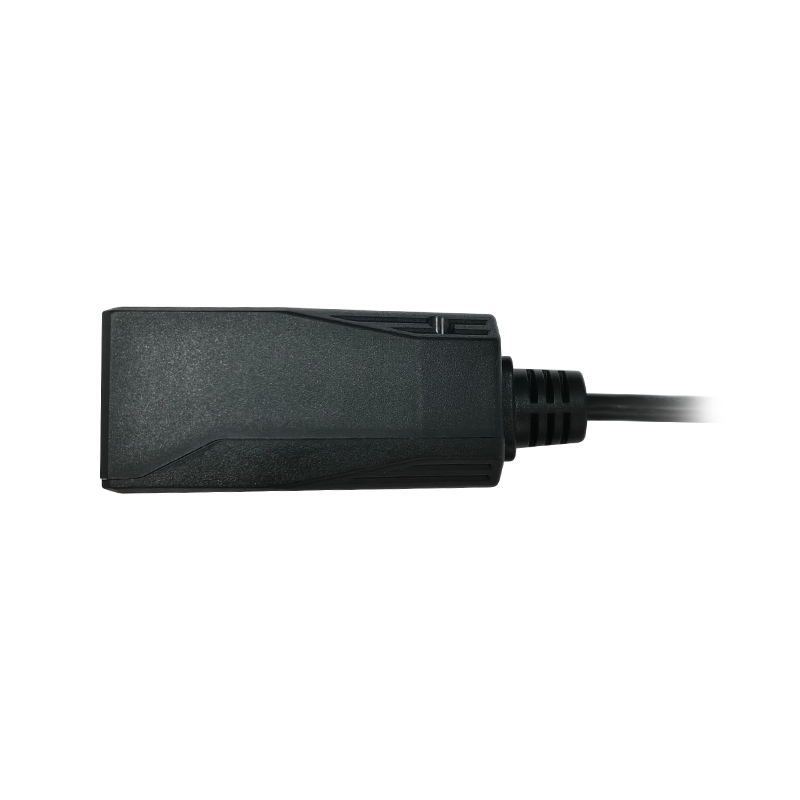
Fixed-mount: keep the reader in a defined position
A fixed-mount scanner suits equipment with a planned reading area, such as a self-service terminal or a production fixture. The system designer controls the mounting location and the relationship between the reader and the code. Users or a mechanism bring the code into that area.
The main design work is usually around presentation, mounting and host control. Check the range of code positions, trigger behavior and final enclosure. A fixed reader is not automatically suitable for moving labels: movement, exposure and decoding conditions still need evaluation. Explore the fixed-mount scanner range for model-level specifications.
Handheld: let the operator aim
A handheld reader is practical when labels appear on different faces of a package or items are awkward to move. The operator can change angle and distance, which helps accommodate varied item sizes at receiving desks, retail counters and workbenches.
Consider where the device rests between scans. Repeatedly putting it down and picking it up may matter more than a small difference in decoding speed. Wired models also need cable routing that does not obstruct the task; wireless models add pairing and charging requirements. Compare handheld barcode scanners against the actual job rather than treating wireless as an automatic upgrade.
Wearable: bring scanning into hands-on work
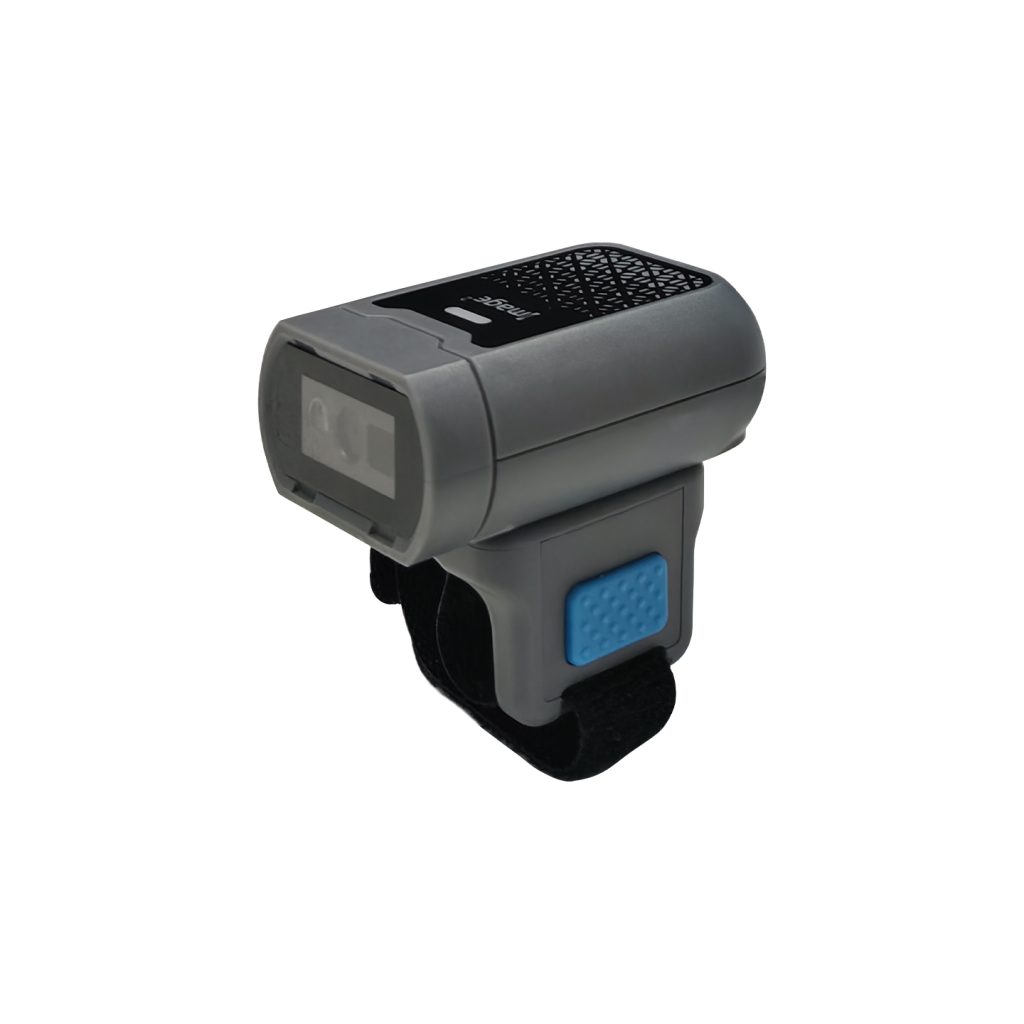
Ring and glove scanners can reduce the need to reach for a separate handheld device during repetitive picking or assembly. Their value depends on trigger access, comfort and whether the reader interferes with handling the item.
Try the device with different operators and the gloves normally worn for the task. Check both gripping and scanning, not just how the scanner feels while standing still. The W-320 ring scanner and W-330 glove scanner illustrate different wearable formats to evaluate; neither format should be assumed to fit every hand or workflow.
Compare the complete task
| Workflow question | A useful starting point |
|---|---|
| Can the code be presented in one defined area? | Evaluate fixed-mount reading. |
| Does the operator need to reach different label positions? | Evaluate handheld aiming. |
| Must the operator scan repeatedly while handling goods? | Evaluate a wearable reader in a real task. |
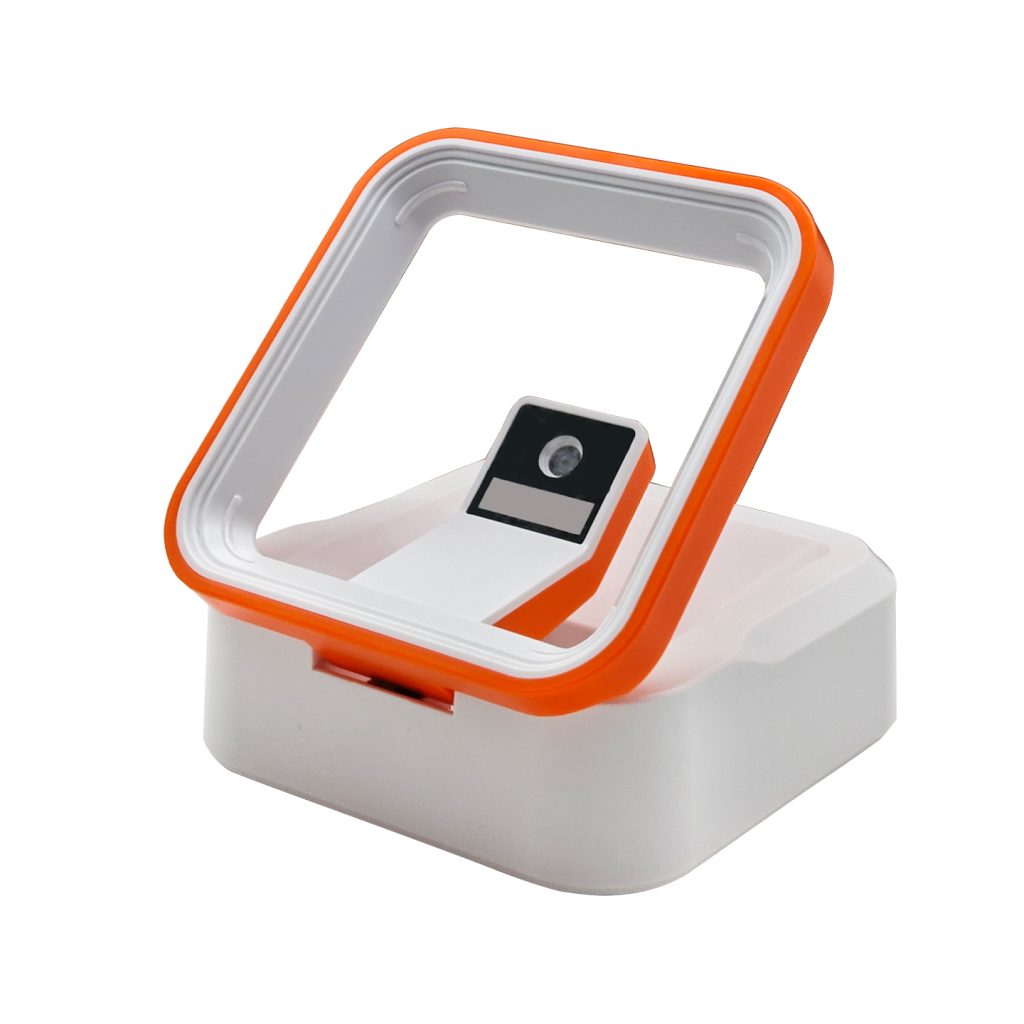
| Are small items passed repeatedly over a counter? | Also consider a desktop presentation scanner. |
These are starting points, not selection rules. A warehouse can reasonably use fixed readers on equipment, handheld readers at receiving and wearable devices in picking. Standardizing every station on one shape can create compromises that outweigh purchasing convenience.
Use a short, controlled pilot
Run the same task with representative labels and the same host application. Record unsuccessful reads, duplicate entries, handling steps and operator comments. Include charging, reconnection and shift handover where relevant. Do not interpret a short demonstration as proof of an all-day productivity improvement.
Common selection questions
Does one form factor read every barcode better?
No. Optical capability is model-specific. Form factor describes how the reader is used, not its complete decoding performance.
Where should a mixed workflow start?
Map the busiest tasks first, then review warehouse scanning requirements and our sample evaluation checklist. Use those observations to define the shortlist.